
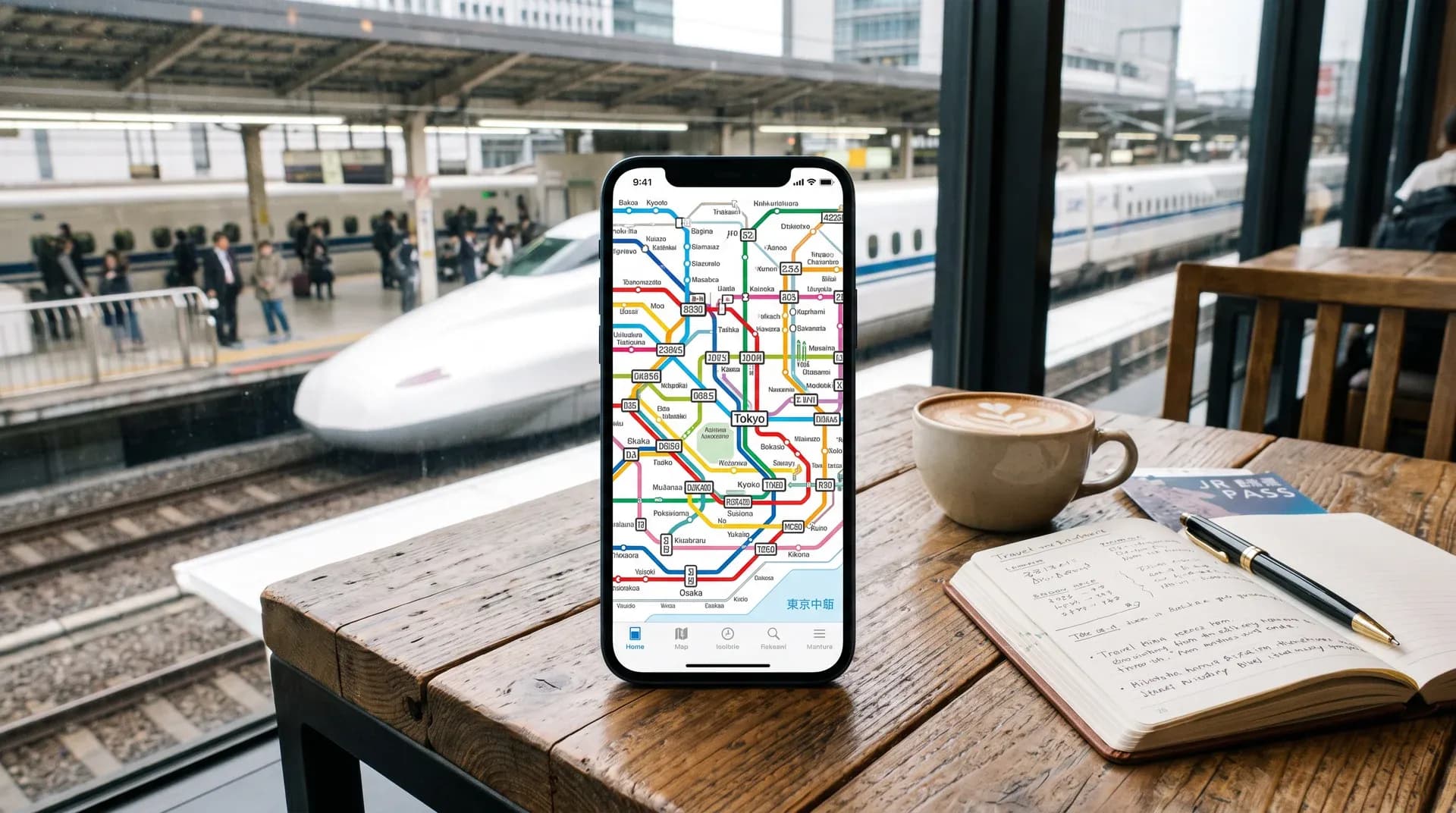
Japan transit apps compared: Google Maps, NAVITIME and Yahoo!乗換案内
A practical comparison of Google Maps, Japan Travel by NAVITIME and Yahoo!乗換案内 for routes, passes, offline use and disruption planning.
Affiliate link — we may earn a commission at no extra cost to you. Affiliate disclosure
Two apps cover almost every Japan trip: Google Maps for map context and online walking directions, and Japan Travel by NAVITIME for train, bus and pass-aware routes in 13 languages. Keep Yahoo!乗換案内 only if you read Japanese.
Key facts
- Cost: All three are free. NAVITIME's premium features, such as voice navigation, are optional.
- Time needed: Ten minutes to install and download offline areas before you fly.
- Best season: Any, but June and September are when delay and weather detours matter.
- Book ahead: Nothing, though NAVITIME can book shinkansen tickets and passes in-app.
- Watch out for: Offline Google Maps. It does not show transit, cycling or walking routes.
Japan Transit Apps: Google Maps vs NAVITIME vs Yahoo!乗換案内
A practical comparison of three transit tools for Japan. Check current app features and fares before you travel.
The three apps
Google Maps
Good for: general map browsing, transit departures and offline driving maps.
Google Maps shows transit departures; some stations show real-time departures while others show a schedule. You can adjust your departure time and see up to two later departures where available, and station crowd levels appear where data is available (Google Maps Help). In Tokyo, you can also report train delays in the app (Google Maps Help). Offline maps can be downloaded, but offline mode does not show transit, cycling or walking routes; if you drive offline, you lose traffic information and alternative routes (Google Maps Help).
Verdict: Useful for map context and online walking directions, but do not rely on it as your only offline transit tool.
Japan Travel by NAVITIME
Good for: detailed train, bus and pass-aware routes.
Japan Travel by NAVITIME is a visitor-focused app available in 13 languages; it is free to download with optional premium features such as voice navigation and detour route search (NAVITIME press release). Its route search covers shinkansen, JR, subways, local trains, buses, taxis, ferries and flights, and it can prioritise routes covered by passes such as the Japan Rail Pass and Tokyo Subway Ticket; it also shows platform and carriage information, crowding forecasts and real-time delay detours (Google Play). You can search offline for nearby Wi-Fi, ATMs and train stations, and use the app to plan itineraries and book shinkansen tickets, tourist passes and activities (Japan Travel by NAVITIME).
Verdict: The stronger choice for complex rail and bus journeys, especially if you hold a rail pass.
Yahoo!乗換案内
Good for: Japanese-language route search, timetables and operation information.
Yahoo!乗換案内 is a Japanese-language transit app. Its app page lists route search by station, address or facility; timetables for trains and buses; real-time operation information with push or email notifications; and a three-level congestion forecast (Yahoo!乗換案内 app). The web version also provides route search, timetables and operation information (Yahoo!路線情報).
Verdict: Useful if you can read Japanese and want a Japanese-language second opinion, but it is not the easiest starting point for travellers who do not read Japanese.
Comparison
- Google Maps: transit departures, with real-time data at some stations and scheduled departures at others; station crowd levels where available; train delay reporting in Tokyo; offline maps that exclude transit, cycling and walking routes (transit help; delay reporting; offline maps).
- Japan Travel by NAVITIME: 13 languages; free download with premium options; pass-aware routes for the Japan Rail Pass and other passes; platform and carriage information; offline spot search; booking for shinkansen, passes and activities (press release; Google Play; official page).
- Yahoo!乗換案内: Japanese-language route search, timetables, operation information and a three-level congestion forecast (app page; web service).
Our recommendation
For most travellers, a practical combination is Google Maps for general maps and online walking directions, and Japan Travel by NAVITIME for train, bus and pass-aware routes. Keep Yahoo!乗換案内 as a Japanese-language backup if you can read Japanese.
Other useful apps
- Japan Transit Planner by Jorudan: named by JNTO alongside Japan Travel by NAVITIME and Google Maps for routes and fare calculators (JNTO).
- NAVITIME Transit: a separate overseas transit app with offline rail maps and route search (NAVITIME Transit).
Pro tips
- If you use Google Maps offline, download the area before you leave. Offline maps do not show transit, cycling or walking routes, and driving offline loses traffic information and alternative routes (Google Maps Help).
- In Japan Travel by NAVITIME, use pass-aware search to see which legs your Japan Rail Pass or other pass covers and what costs extra. The app also shows platform and carriage information, factors in real-time train and shinkansen delays with detours, and lets you hold an IC card to your phone to check its balance (Google Play).
- For disruption planning, Yahoo!乗換案内 provides operation information and can suggest detours; it is a Japanese-language service (Yahoo!乗換案内 app).
- Check the current fare at the station or in the app before you travel; fares vary by operator and route (JNTO).
Which app for which job
Job | Use | Why |
|---|---|---|
Finding an address or a district | Google Maps | Best map context and street-level detail |
Walking directions | Google Maps, online | Offline mode drops walking routes |
Train, bus and ferry routes | Japan Travel by NAVITIME | Covers shinkansen, JR, subways, buses, taxis, ferries, flights |
Routes covered by a rail pass | NAVITIME, pass-aware search | Shows which legs the pass covers and what costs extra |
Platform and carriage | NAVITIME | Platform and carriage information, plus crowding forecasts |
Live disruption | NAVITIME or Yahoo!乗換案内 | Real-time delays and detours |
Train delay reporting in Tokyo | Google Maps | Report and see delays in-app |
Timetables in Japanese | Yahoo!乗換案内 | Japanese-language timetables and congestion forecast |
Set up before you fly
- Install both primary apps. Google Maps is on most phones already; add NAVITIME.
- Download the offline area in Google Maps. Do it at home, not in a station. Remember that offline mode excludes transit, cycling and walking routes, so it is a map, not a navigator.
- Learn the pass-aware switch. In NAVITIME, turn on pass-aware search and add the pass you hold. It then prices the legs your pass does not cover, which is the number that matters.
- Link an IC card if you want balance checks. NAVITIME can read an IC card held against the phone.
- Add Yahoo!乗換案内 only if you read Japanese. It is a strong tool and a poor starting point in English.
Fares, IC cards and the offline gap
Fares are set by the operator, not the app, and both apps read the same fare data. An IC card such as Suica or Icoca removes the arithmetic at the gate, and both apps will show the fare so you can judge whether a day pass pays off.
The gap to know about is offline navigation. Google Maps without a connection gives you a map with a dot on it and no route. Download your city, but plan to have data on the day: a local SIM or an eSIM is cheaper than an unplanned taxi.
Common mistakes
- Relying on offline Google Maps for transit. It does not route transit, cycling or walking offline. The map remains; the directions do not.
- Ignoring pass-aware search. If you hold a rail pass and the app does not know, it will price trips you have already paid for.
- Using only one app. Maps for context, NAVITIME for routes. Each is weak at the other's job.
- Assuming real-time data everywhere. Some stations report live departures, others show a schedule. Crowd data appears only where available.
- Checking the fare in the app but not the pass rules. The app prices the leg; the operator decides what the pass covers.
Sources
- Google Maps help: transit
- Japan Travel by NAVITIME
- Yahoo!乗換案内
- JNTO: traveling by rail
- JNTO: how to travel by train and bus
Verified 2026-10-26. Yen converted at ~¥157 = $1 (October 2026) where a figure appears.
Ready to explore Japan?
Browse tours and activities, or tell us what you're looking for and we'll suggest the best options.
Stay Connected in Japan
Airalo eSIMs work on arrival — no physical SIM needed. Data plans from $5 for 7 days.
Travel Insurance for Japan
Medical, trip cancellation, and adventure sports covered. Plans from $1.5/day.